
 ⚙
⚙
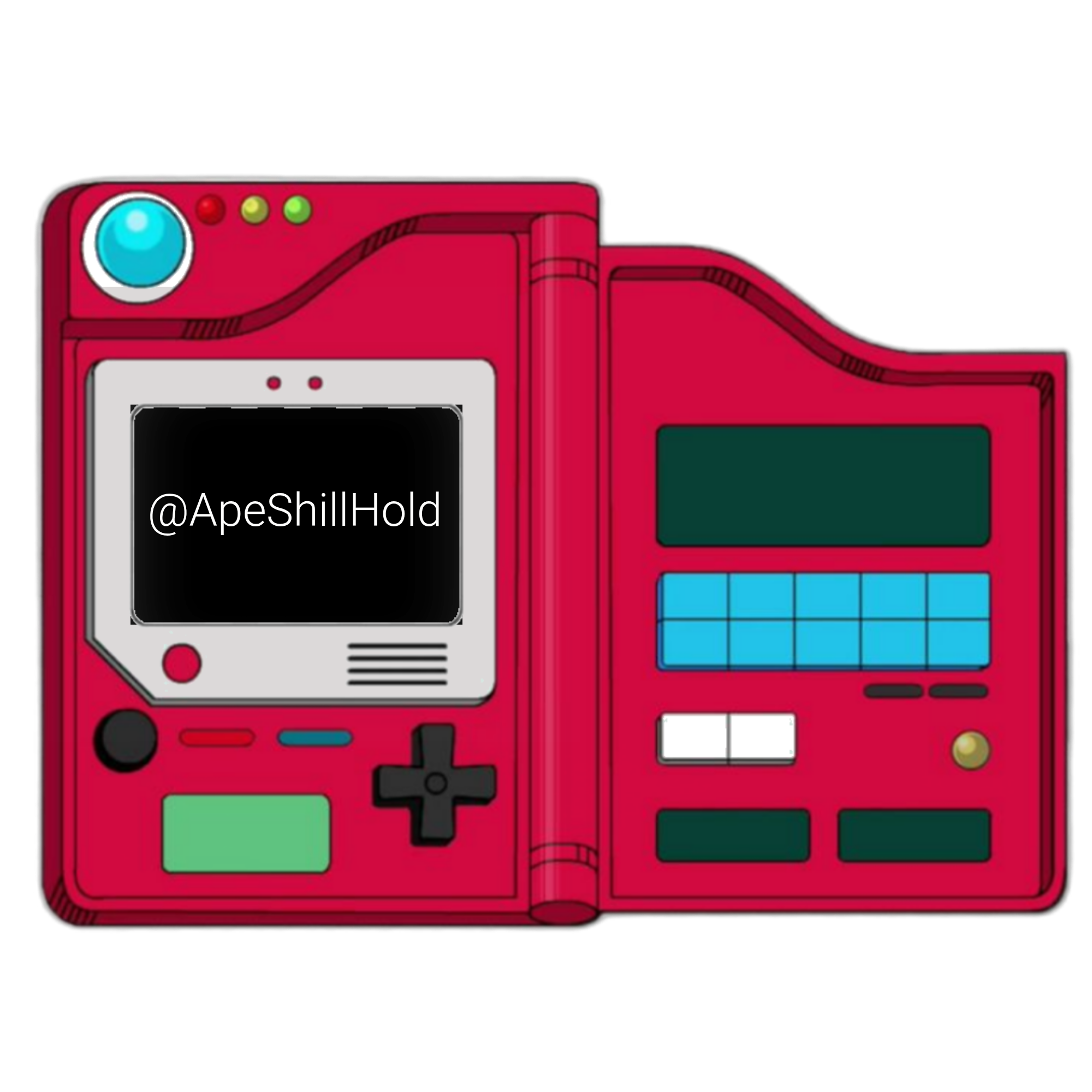
Each unique creature in our collection is a fun parody inspired by classic monster-catching adventures. With a supply of 1,000,000 for each released parody, embark on your journey to collect them all! Press the image above to view, buy, and sell.
How To Use SolaDex
Step 1: Connect Your Wallet
Click the ‘Connect Wallet’ button at the top of the page. Select your preferred wallet from the list, such as Phantom, Solflare, Backpack, Mobile Wallet, or MetaMask. Follow the prompts to authorize the connection and verify your wallet address.
Step 2: Explore the Collection
Click the SolaDex image to open the collection viewer. Browse through the list of NFTs, view details, and check ownership status indicated by a green or red dot next to each item.
Step 3: Buy or Sell NFTs
Within the SolaDex popup, select an NFT and use the ‘Buy’ or ‘Sell’ buttons to transact. Ensure you have sufficient SOL in your wallet for purchases, and confirm transactions through your wallet interface.
Step 4: Manage Your Tokens
Click the token icon to access the Token dApp. Here you can view details about the SolaDex Token, check your balance, and perform actions like transferring or staking tokens when available.
Disclaimer: This project is a parody and is not affiliated with, endorsed by, or associated with Nintendo, Game Freak, or The Pokémon Company.